Space Blaster!
This is my 2d Shooter Project for the Coursera course on Unity. I have made the following modifications to the base game design.
-Added images to the main menu screen for visual appeal.
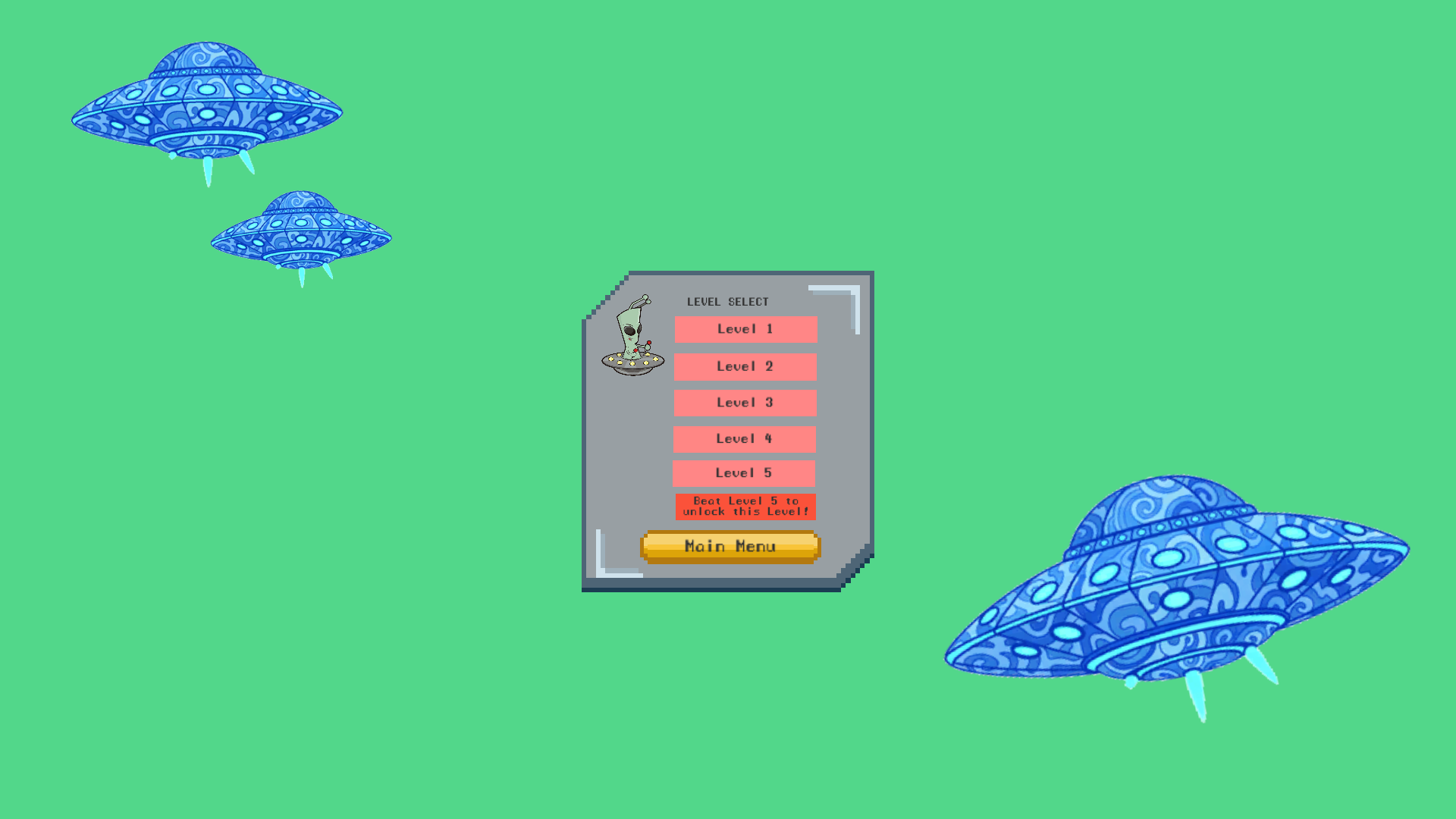
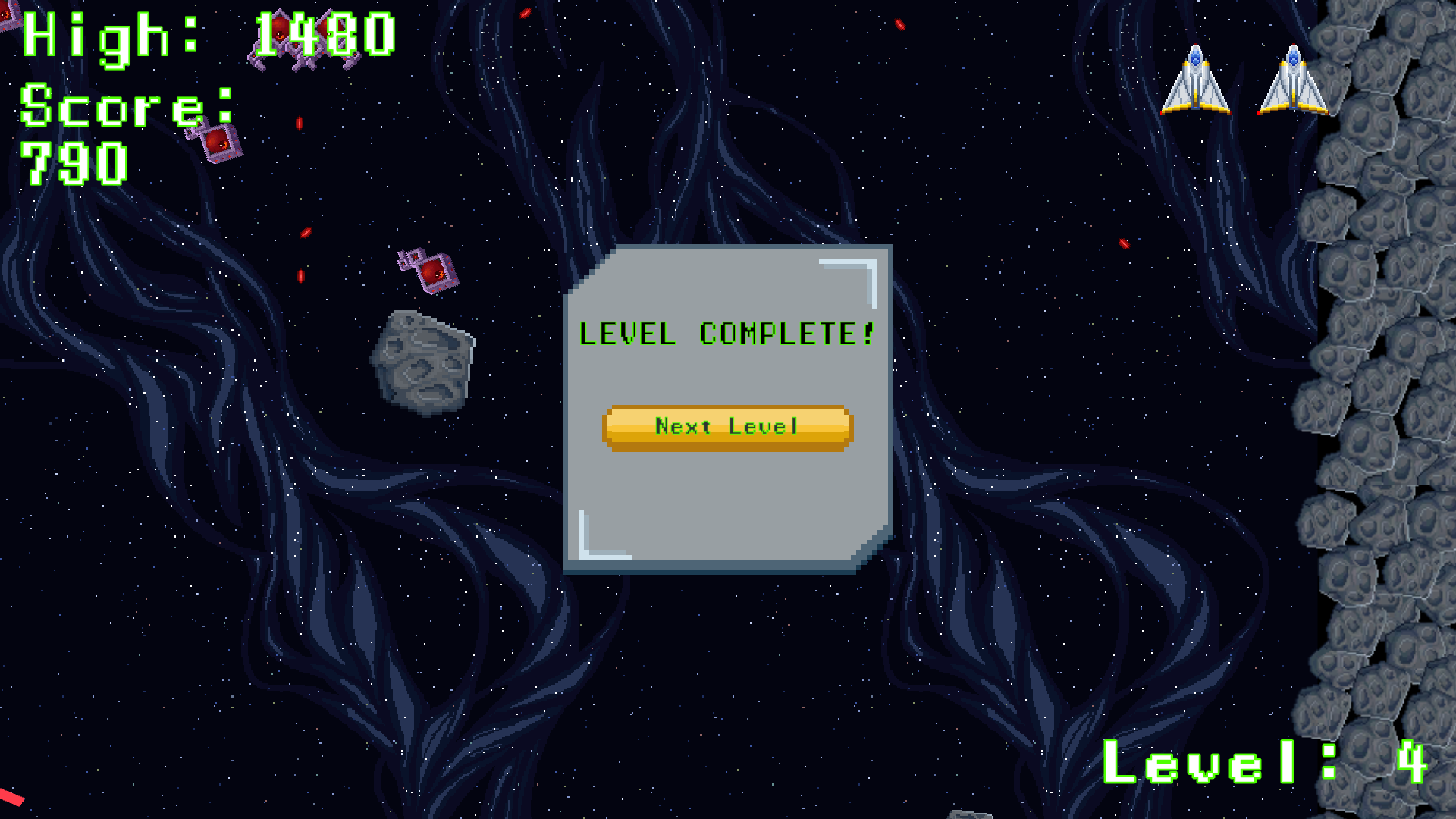
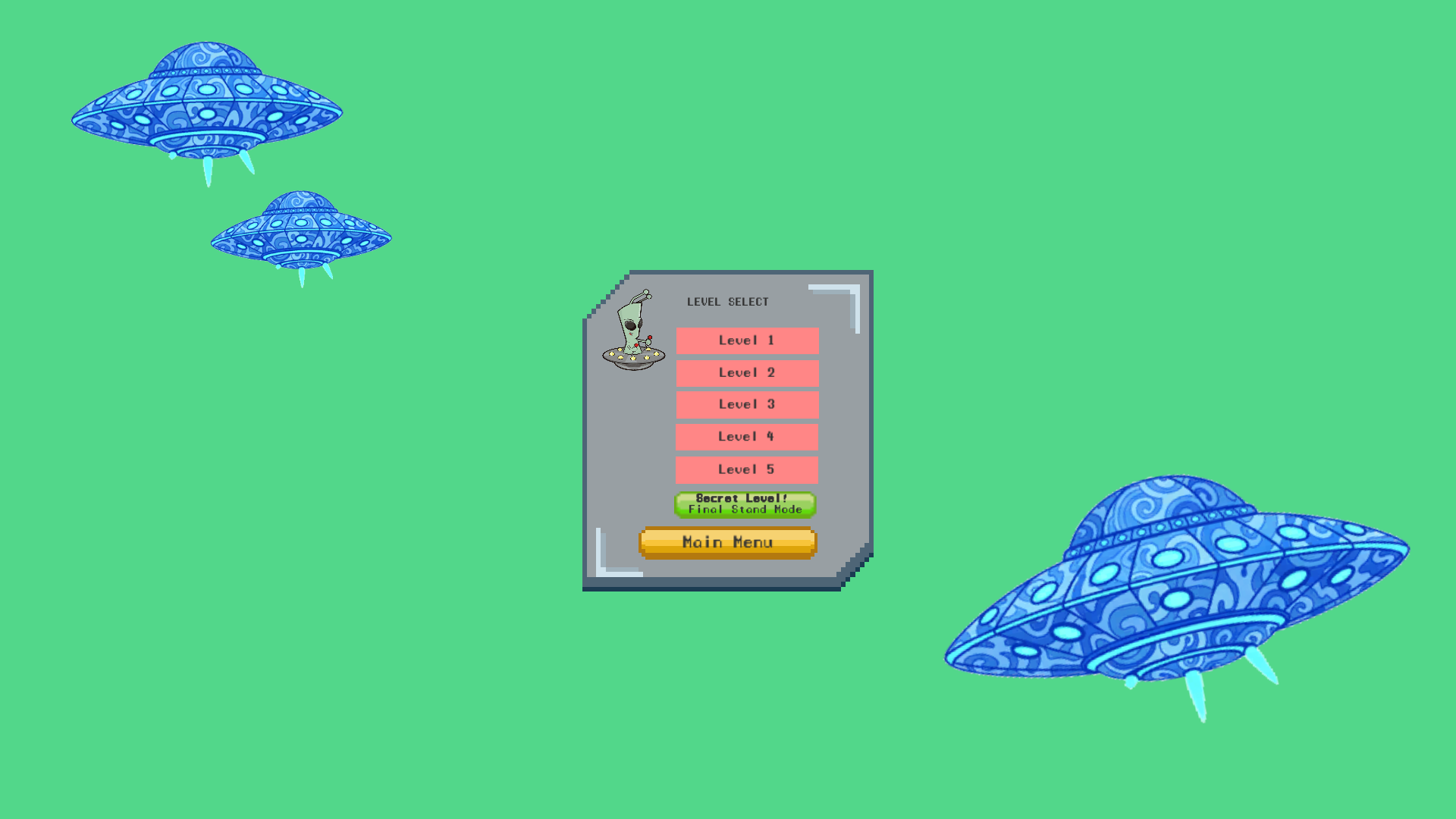
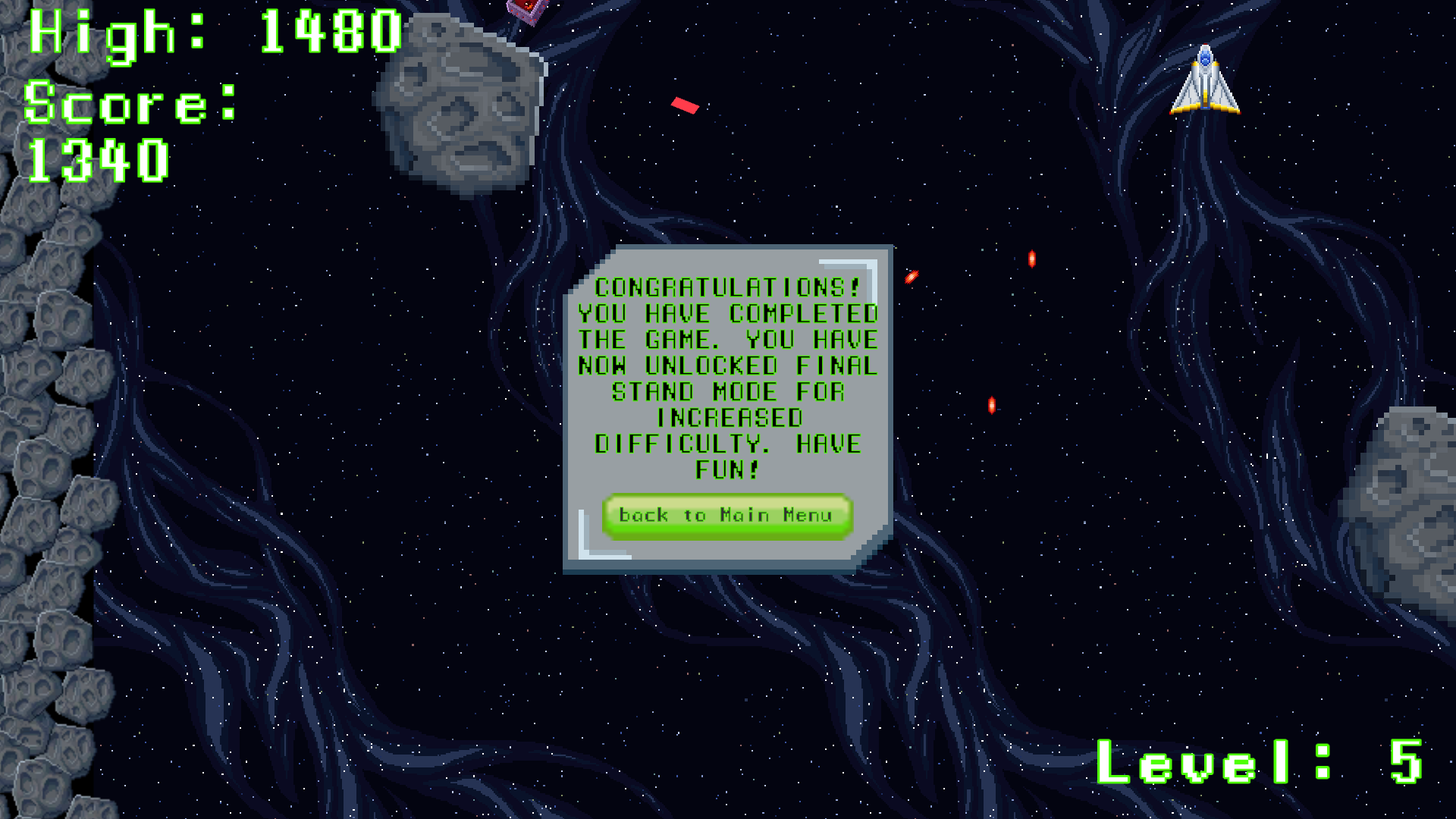
-Created additional levels, going up to level 5. Then implemented a "secret level" that only becomes available in the level select UI screen once the player has beaten the game. What triggers the change is beating level 5 regardless of whether the player played levels 1-4. In order to reset the game back to the original Level Select Screen with mode locked, pressing "New Game" triggers the reset. Just don't beat level 5 and go back to the Main Menu. Can quit back to the Main Menu using the ESC Key.
-Had to adjust the game manager script, and a new script was added into the asset folder, which was titled LevelSelectRouter, which was needed to implement the Level Select UI interface change once level 5 is beaten, also needed to implement the reset option.
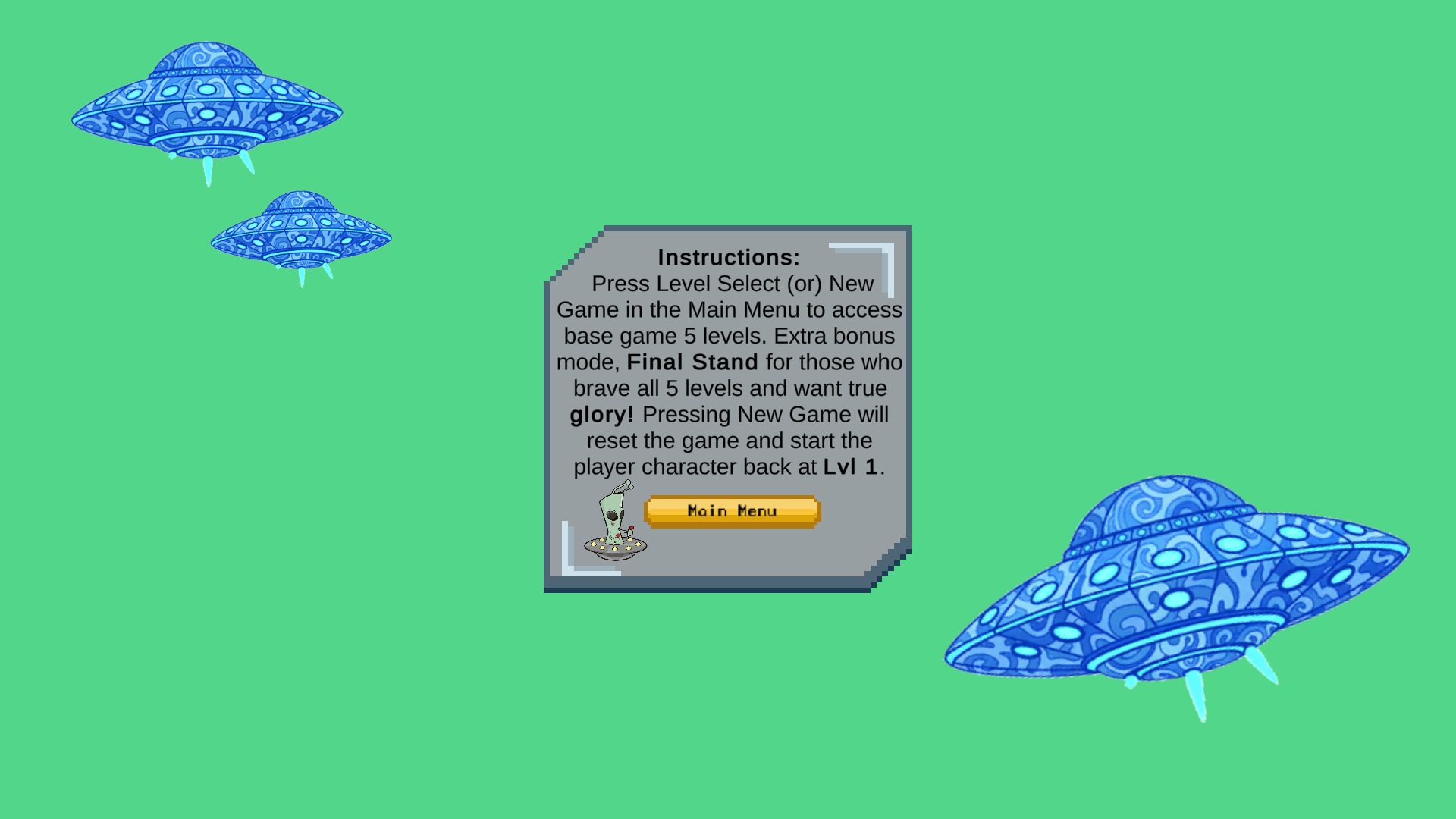
-Added Instructions to the Menu Interface
-Set up the high score so that it had two separate values to track, one for the Main Game levels 1-5, then a separate high score for final stand mode. The script added a "High Score Key" to be able to specify in the game manager.
-Adjusted Health Script, so player would only have 3 lives for progressing through levels 1-5. As opposed to having 3 lives at the start of each level.
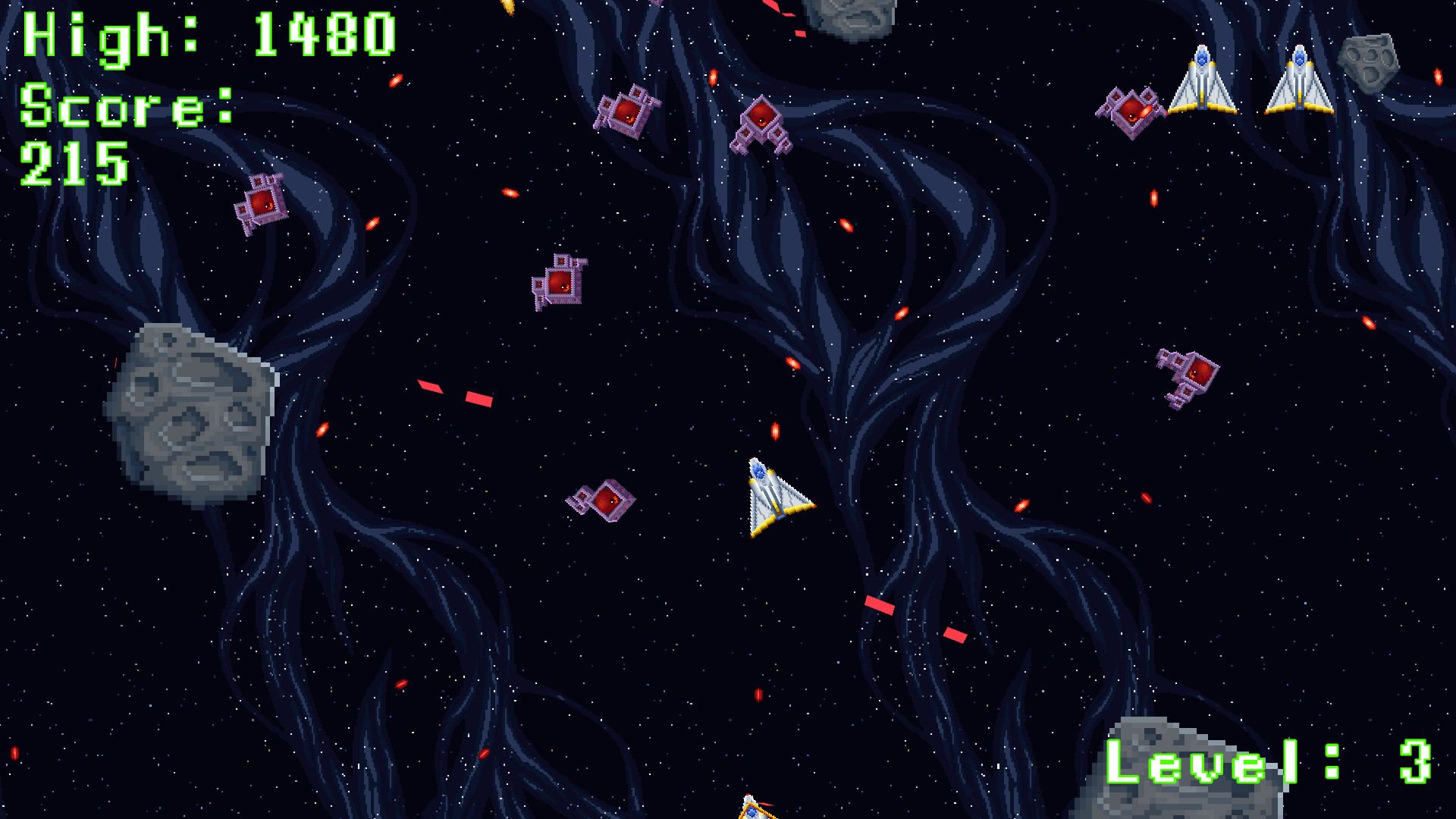
-Adjusted in-game UI so the player's life count would show up on the screen. A new script, UILiveDisplay, was added to incorporate.
Still want to add a new scene transition in the middle of final stand mode, to increase difficulty once the player has defeated x amount of enemies. Can add as many scenes as needed for the number of times the difficulty needs to change. Not added yet, working to update.
Credits: Created by Michael Allen for Brian Winn Course on Unity
Download
Comments
Log in with itch.io to leave a comment.
High Score and Score in the upper left are slightly cut off when using WebGL within the internal window. To fix when using WebGL, press the full-screen button that is in the bottom-right corner. The operating system downloads shouldn't have that issue.